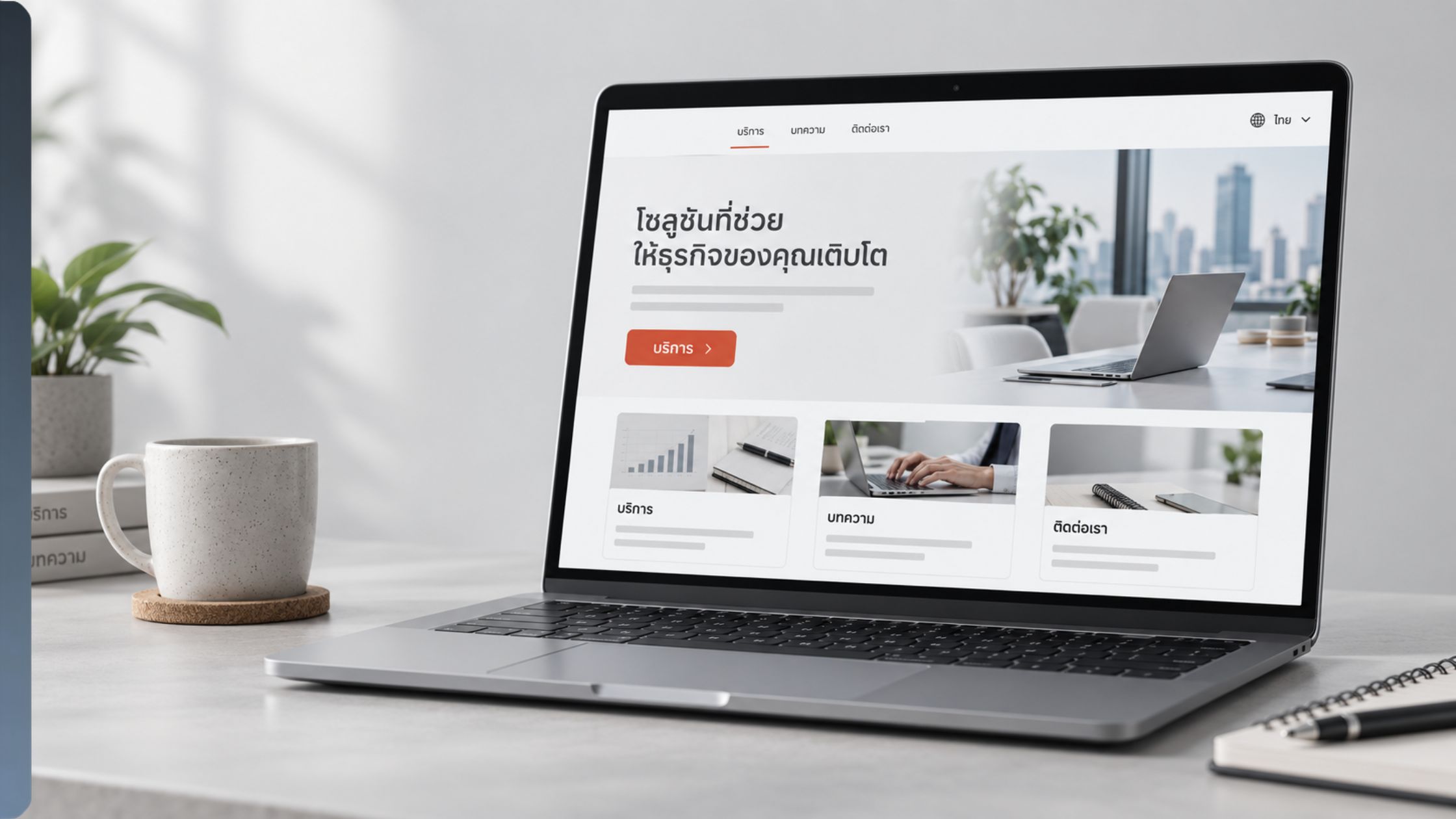
When our team translated our company website into Thai, the first draft produced by AI translation looked fine at first glance. Native review revealed a different story: small choices in spacing, punctuation, and feature terminology made some strings feel less natural than they should. This guide shares what we learned and explains how terminology, style guidance, Custom Prompts, and post-editing can turn a fast first draft into consistent website and UI copy.
1. Why Thai Business and Web Translations Can Sound Unnatural
AI translation has made it faster to publish content in Thai. We experienced that speed when we translated our website into Thai using Japanese and English as source languages. Although the first draft communicated the basic meaning, it did not always read like natural Thai website copy.
The problem is often not a single dramatic mistranslation. It is a combination of smaller issues: English-style spacing carried into Thai, terminology translated differently across related screens, and wording that is technically correct but too literal for a user interface.
These issues can affect how quickly Thai-language users understand a feature, whether product information feels credible, and how much time local staff must spend correcting content after translation.
2. Essential Thai Formatting Rules
Thai spacing is not English spacing
In Thai, spaces are used to help separate larger units such as sentences, clauses, names, numbers, and items in a list. The Office of the Royal Society of Thailand provides detailed rules for when small and large spaces are used. The key lesson for localization teams is simple: source-language spaces should not be copied into Thai automatically. Their function must be checked in the Thai sentence.
One of the first issues our website translation team encountered was a space that looked harmless in the AI output but interrupted the natural flow of the Thai sentence. Here’s what we got from AI translation, followed by the native review.
| Source | Elevating quality and accelerating speed through AI and human editing. |
| Before | กระบวนการแปลที่ยกระดับคุณภาพและเพิ่มความเร็ว ด้วยการแปลอัตโนมัติและการปรับแก้หลังการแปล |
| After | กระบวนการแปลที่ยกระดับคุณภาพและเพิ่มความเร็วด้วยการแปลอัตโนมัติและการปรับแก้หลังการแปล |
| Why it matters | The space before ด้วย was unnecessary. Removing it creates a more natural flow in Thai. |
This is a small visual change, but it is exactly the kind of issue that can recur across a large website. A reviewer who fixes strings one by one may spend hours correcting the same pattern.
Question marks are allowed, but UI conventions may differ
Thai does use question marks. The Office of the Royal Society of Thailand explains that they may appear at the end of questions or in text expressing uncertainty. In localization, however, teams still need to determine whether a question mark suits the specific Thai sentence and the style of the interface.
In our initial website translation, AI carried the source punctuation into question-like strings and added a question mark to each one. Our Thai native reviewer advised that, for these short website and UI strings, omitting the marks felt more natural and consistent. That was a decision for this project, not a universal rule for Thai. Here’s a representative example of the pattern.
| Source | Are you ready to get started? |
| Before | พร้อมเริ่มใช้งานแล้วหรือยัง? |
| After | พร้อมเริ่มใช้งานแล้วหรือยัง |
| Why it matters | Both versions can be understood. In our website context, native review favored the second version. The important point is to record the decision and apply it consistently rather than assuming that source punctuation should always be copied. |
3. Three Common Problems in Thai Web and UI Localization
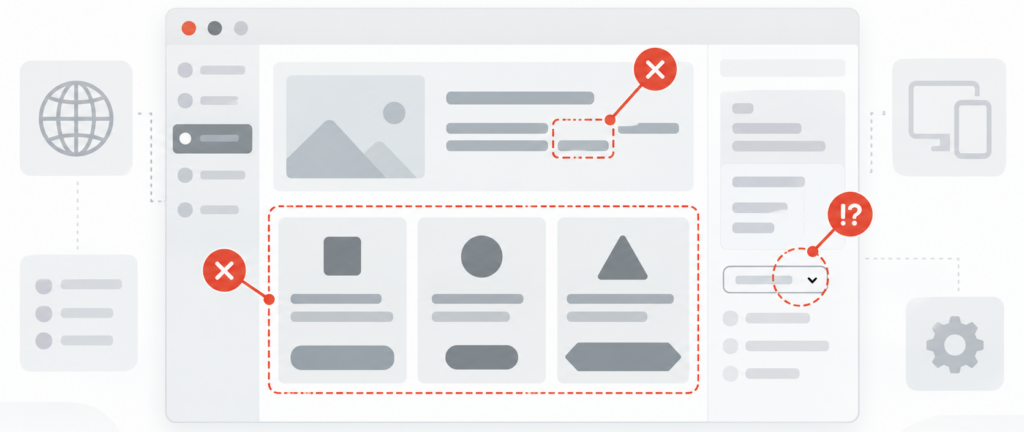
When we translated our website texts into Thai, reviewed it with a Thai native staff member, and traced recurring edits back to the decisions that AI could not make from isolated strings alone. Three problems appeared again and again.
Pitfall 1: Related feature terms drift apart
Translation engines usually process the text they receive. For example, if related labels are translated separately without a glossary, each result may look reasonable on its own while the product vocabulary becomes inconsistent.
| Source | Phrases / My Phrases / Company Phrases |
| Before | วลี / คลังวลีของฉัน / วลีของบริษัท |
| After | วลี / วลีของฉัน / วลีของบริษัท |
| Why it matters | In the Before example, My Phrases alone adds คลัง, meaning a repository or storage area. This obscures the relationship between the three features. Registering Phrases as วลี in the glossary and reusing the same translation in related feature names keeps both the terminology and the feature relationships consistent. |
A glossary becomes more useful when it defines not only the target terms and approved translations, but also the context in which each translation should be used—for example, “a feature name displayed in the product” or “a CTA button in an email sent automatically from the product.”
Pitfall 2: Literal wording sounds stiff in a UI
A dictionary-equivalent word is not always the right UI word. Short labels must match the tone, space, and function of the screen. A literal translation can sound unusually formal even when it is grammatically possible.
| Source | Human review |
| Before | ตรวจสอบโดยมนุษย์ |
| After | ให้คนตรวจสอบ |
| Why it matters | มนุษย์ is a literal equivalent of ‘human,’ but it sounds stiff in this friendly product-flow label. คน is more natural while keeping the distinction between AI translation and review by a person. |
Pitfall 3: A long description is accurate word by word but awkward as a whole
Longer product descriptions create another risk. Individual words may be correct, but their combination may reflect the source-language structure too closely. The result can sound mechanical or leave the relationship between ideas unclear.
| Source | Yaraku Translate displays the source and translated text side by side, making it easier to check and fix mistranslations and omissions. |
| Before | Yaraku แปลภาษาแสดงต้นฉบับและคำแปลแบบวางคู่กัน ทำให้ตรวจสอบและแก้ไขการแปลผิดหรือแปลตกหล่นได้ง่ายขึ้น |
| After | Yaraku แปลภาษา แสดงต้นฉบับและคำแปลเคียงข้างกัน ทำให้ตรวจสอบและแก้ไขการแปลผิดหรือการแปลตกหล่นได้ง่ายขึ้น |
| Why it matters | แบบวางคู่กัน reads like a literal description of placing two things together. เคียงข้างกัน is more natural for content displayed side by side. The revision also clarifies ‘omissions’ as การแปลตกหล่น. |
4. How to Use Custom Prompts Effectively in Yaraku Translate
When using a generative AI engine in Yaraku Translate, you can use the Custom Prompt feature to define rules that apply across a document, including the audience, tone, level of formality, punctuation policy, and treatment of product names.
For Thai translation, including the following points based on the examples above can help improve the quality of the first draft:
- Specify how spaces should be used—for example, do not mechanically carry over spaces from the source text
- Specify whether question marks should be used
- Add instructions such as “Prioritize expressions that sound natural on a website”
When using prompts, what matters is not writing long, highly detailed instructions, but incorporating sound decisions that make the translation practical and usable.
5. A Workflow for Consistent Thai Localization with AI
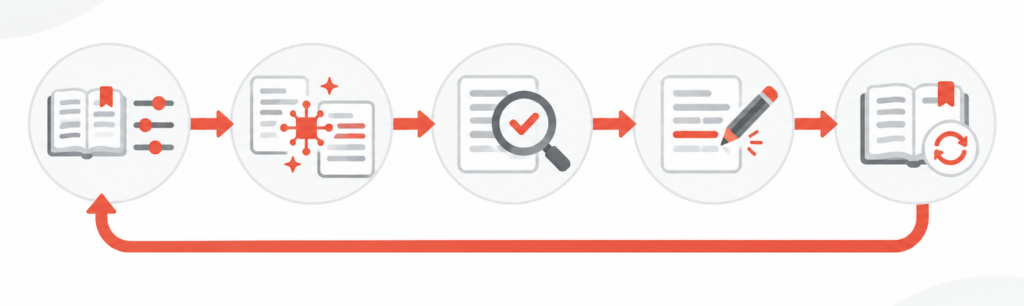
1. Before translation
1-a. Build a glossary: Register product names, feature labels, role names, and recurring terms.
1-b. Define the style: Establish policies for the audience, tone, level of formality, punctuation, and UI expressions. In the generative AI era, clear direction before translation is more important than ever. Specific instructions give you more precise control over AI translation quality before downstream work such as post-editing or native review begins.
2. Translation
Request translation with the right references: Provide the source text together with the brief—a document that defines high-level direction such as brand identity—the style guide, glossary, and relevant existing translations. Then use a Custom Prompt to start the translation.
3. Review: Review the output while referring again to the materials and contextual information used during translation.
4. Post-edit as needed: Have a reviewer with the appropriate skills check the meaning, terminology, flow, and product-specific style.
5. Feed approved changes back into the workflow: Add validated terms and phrases to shared resources so the same issue does not return on the next page or in the next release.
6. Easily Implement This Workflow with Yaraku Translate
Yaraku Translate offers multiple generative AI engines. Once you create a Custom Prompt, you can reuse it repeatedly with just a few simple steps. Machine translation, post-editing, review, and process improvement can all be handled in a single workspace. Give it a try.
However, deciding what information to give AI—and how to express it—can itself be difficult. The same challenge arises when feeding approved edits back into the workflow: some companies may struggle to prepare the resources needed to determine which feedback will make future translation processes more efficient. Yaraku’s translation team can help companies build a strong translation foundation from their existing source and translated documents.
Our team has hands-on experience with website localization projects like the one described in this article. If you are unsure how to turn native feedback into terminology, style rules, Phrases, or a Custom Prompt, please contact us. We can help you build translation data that makes AI output more consistent and post-editing more efficient.
7. Conclusion: Manage Thai Localization as an Ongoing Process
When we translated a website into Thai ourselves, we found that many important factors for maintaining quality were hidden in the details. Spaces carried over from the source, question marks that do not fit the chosen UI style, and overly literal feature labels can make otherwise understandable copy feel unnatural.
Generative AI can produce a first draft quickly, but it is important to guide the output from the outset. Define terminology and style first, then reflect those decisions in a Custom Prompt. By reviewing the results, each approved correction can contribute to better translation quality in the future.
Want to bring AI translation in line with your company’s terminology and style?
Try Yaraku Translate or contact our translation team to discuss your website localization project.
Sources
Office of the Royal Society of Thailand, Thai spacing rules: https://www.orst.go.th/iwfm_modal.asp?i=3529352MTG5813223326234222622&m=n
Office of the Royal Society of Thailand, question mark rules: https://www.orst.go.th/iwfm_modal.asp?i=;82;642MTG5813223326234222622&m=n
Yaraku Translate Ver.6 update, prompt-based style instructions: https://www.yaraku.com/news/update_202607/