At Yaraku, we regularly update our app to offer a more user-friendly and higher-quality translation experience. These updates include implementing the latest technology, improving translation accuracy and usability, responding to user feedback, and adding new features.
In case you missed it, we upgraded our Generative AI options to use a new model last month. We’re now using GPT-5.1 and GPT-5 mini from OpenAI, 3.0 Flash version for Gemini, and 4.5 Sonnet for Anthropic’s Claude.
We are pleased to announce that Yaraku Translate will be updated to Version 5.8.0 on March 28, 2026 (Saturday).
Please note that the service will be temporarily unavailable during the following time:
Scheduled Downtime:
March 28, 2026 (Saturday) – from 10:00AM to 1:00PM JST
Trial release (β version) of PPTX Image Translation (Opt-in)
Image Translation (β version) is a feature that automatically recognizes text (using OCR technology) from text-embedded images and automatically generates an image with the corresponding translation embedded in it.
For more details, please watch the video (Japanese only) below.
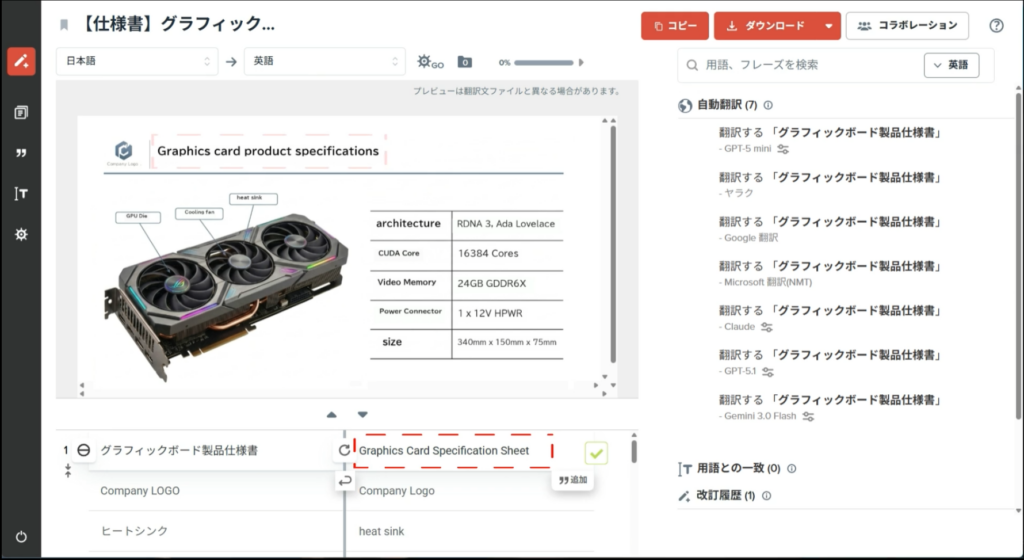
Images over a certain size will be processed and any text in them will be extracted with OCR technology and included as part of the translation process. The translated text can be edited in our app.
If you frequently handle PPTX files that contain images like diagrams, promotional images, infographics, or others, this feature will save you time and effort.
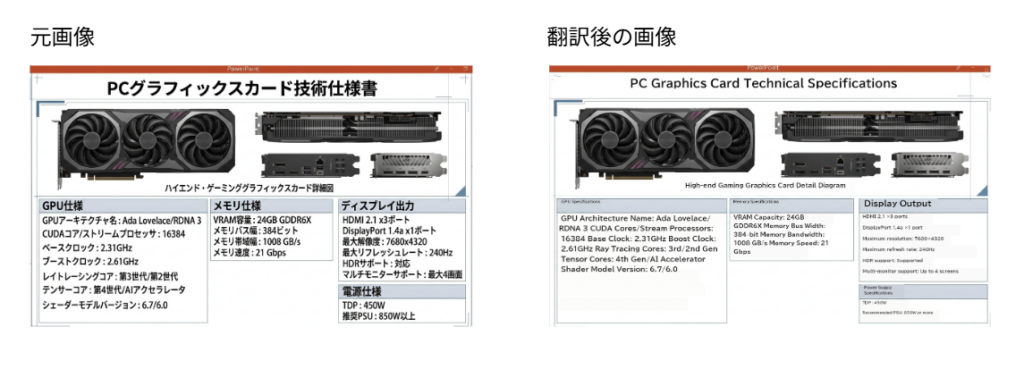
This applies only to images in PowerPoint (.pptx) files and images within PDF files (when downloaded as .pptx).
Images larger than 4096px are eligible.
*The images are processed first, so the order of segments in the Edit page might not be the same as the original document.
Eligible Plans:
- This is an opt-in trial(β) release, and the feature is not permanently released yet. Only available for Company Plan and Enterprise Plan users. It is not available for Free Plan and Personal Plan users.
How do I opt-in?
- Company or Enterprise plan users have to inform us separately to use this option (free of charge)
- Please inform your contact person or apply via Contact form in the Yaraku Translate app to enable this function for your company account.
Multi-factor Authentication (MFA)
In this update, we will be introducing multi-factor authentication (MFA) by Passkeys. This new feature will improve your account security and help with complying with any security policies your company may have.
Passkeys are the next step in authentication security. They are cryptographic keys that are tied to your device and are unlocked by your device password or biometrics. Since it is a separate form of authentication from your password, it fulfills the requirement of 2FA or MFA. Passkeys are in use or are supported by many major companies and systems like Microsoft, Amazon, Google, Okta, and more.
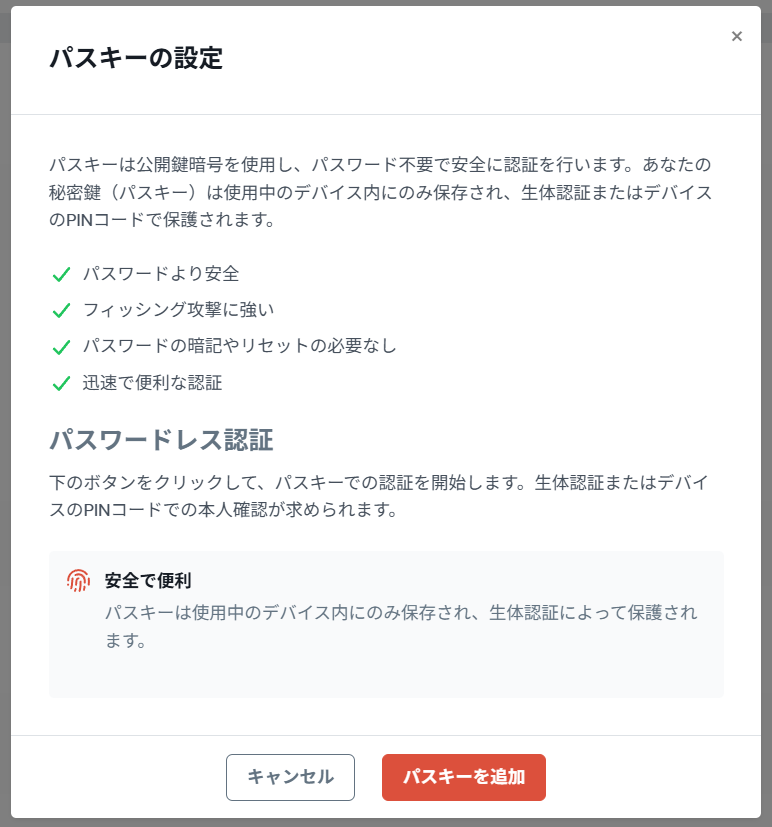
You can set up a Passkey for your Yaraku Translate account by going to the Settings page and clicking on the red “Set up a passkey*.
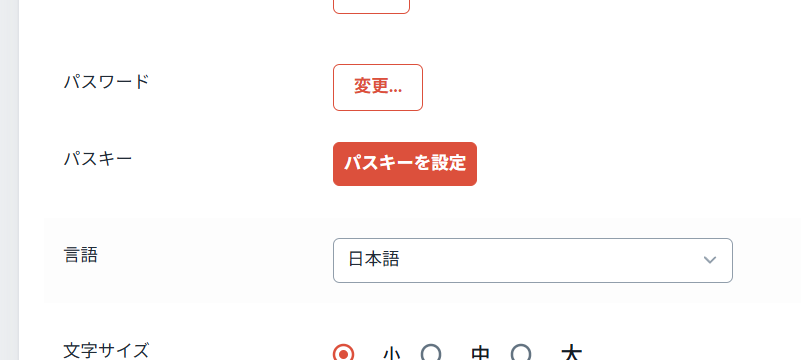
Simply follow the instructions in the popup that appears to complete the set up. For more details and advanced scenarios, please refer to our user guide.
*Not available for SSO users. Please use MFA from your SSO system instead.