
Thanks to improvements in translation accuracy, there are now numerous translation websites and apps available. However, with so many options, it can be difficult to decide which translation site is best for you.
This article will guide you on how to choose the best translation website for your needs. Furthermore, we’ll cover important points to keep in mind when using translation websites, so please read on.
High-quality translation for text and files
Try the free Yaraku Translate demo with no sign-up required. Enter text or upload a file to get your translation. Give it a try.

Expert review: Masaru Yamada
He is a professor at Rikkyo University College/Graduate School of Intercultural Communication. After working as an in-house interpreter at Ford Motor Company and as an industrial translator, he founded Translation Lab Inc. He also serves as Chief Evangelist at Yaraku, Inc. (Full profile)
This article was localized from an expert-reviewed Japanese manuscript.
Conclusion
The best translation website depends on the type of document you want to translate (text or file), the languages supported, and whether it’s for personal or business use. Free sites are convenient, but there’s a risk of your input being reused or mistranslated. For important documents, consider having them checked by a human or using a secure translation tool.
Summary of this article
- How to choose a translation website based on the type of text you want to translate, the languages it supports, and your purpose of use
- Features of websites for translating English, Chinese, and Korean
- Points to note when using free translation websites (data reuse, limited customization, and mistranslation risks)
Before you choose: Key features of translation websites
Popular translation websites include Google Translate, Microsoft Translator (Microsoft’s translation service), and Yaraku Translate, which lets users tailor translations to their preferences.
Choosing a service that suits the type of content you want to translate may help you get more natural-sounding translations.
Each translation site has its own strengths in translation
Different translation websites specialize in different areas of translation.
Translators also have areas of expertise, such as patents, IT, and literature (novels, song lyrics, etc.).
Similarly, each translation website has its own strengths and areas of expertise. Therefore, even if you input the same text, the resulting translation may differ.
For example, a study published in February 2025 by the Joint English Research Laboratory at Tokyo Gakugei University, which examined the accuracy of Japanese-to-English translation using machine translation and generative AI, showed differences in the English translation results.
To choose the right translation website for your needs, compare the features of each service. Here are 4 examples.
Google Translate (good at translating formal texts)
Google Translate excels at translating formal documents such as contracts and terms of service. Since product user manuals generally use formal language, Google Translate is well-suited for translating such manuals.
Bing Microsoft Translator (excellent at translating IT-related documents)
“Bing Microsoft Translator” uses the “Microsoft Translator” translation engine. Texts used in user manuals for Windows and Office (Word, Excel, PowerPoint) are also utilized to improve the translation quality of this engine. Therefore, it is considered well-suited for translating IT-related documents.
Yaraku Translate (specializes in concise, simple translations)
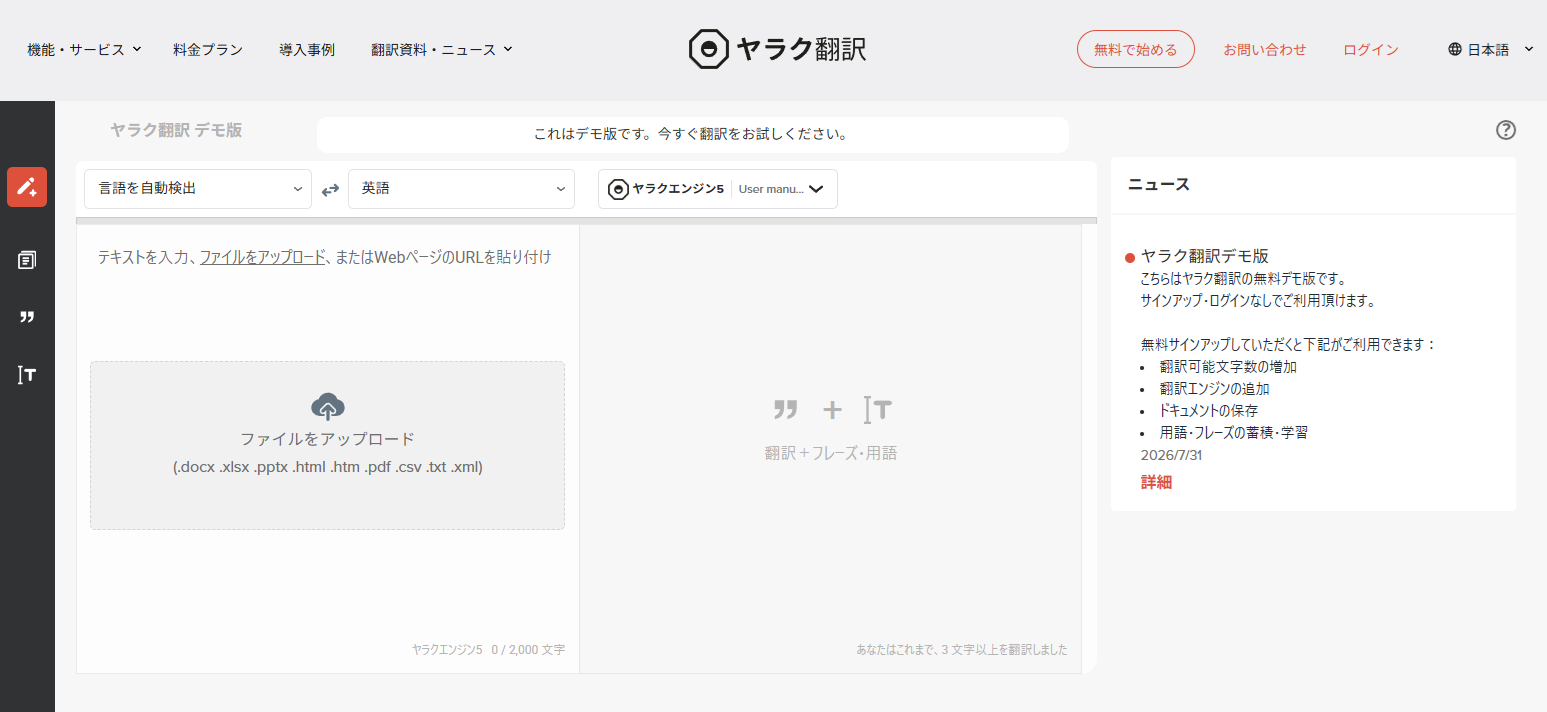
Yaraku Translate, provided by Yaraku, Inc., uses Yaraku Engine 5 to generate concise, straightforward translations. You need to log in, but you can register terms and phrases to tailor translations to your preferences.
The difference between free and paid websites
Some free translation websites may reuse input data for purposes such as quality improvement. Data-handling practices vary by service, so check the terms of service before entering confidential or personal information.
Free services may also impose usage limits, such as:
- Character limits per translation
- Limits on file translations
- Upload size limits
Restrictions vary by service.
Even on paid plans, whether input data is reused and what security measures are in place varies by service. If you handle confidential information or customers’ personal data, check the terms of service and security measures before choosing a service.
Paid plans may also relax limits on usage or features. For business use, consider a paid plan based on how often you translate and how important the documents are.
Is file translation possible?
When translating academic papers or documents, you typically translate them as files, such as PDFs or PowerPoint presentations. Many translation websites allow you to translate entire files. However, some sites only support text translation and do not offer file translation.
Supported file types
Even when a service supports file translation, the formats it can translate vary. Files come in many formats, including Word, Excel, and PDF.
When choosing a translation website, be sure to check whether it supports the file format you want to translate.
Can images in a file be translated?
In the case of files, such as Word documents or PDFs, images may be inserted in addition to text. It’s also important to check whether the text within those images can be translated.
For example, in the case of a PDF, if the entire content of the PDF is converted into images, it may be possible to translate the text within the images as well. However, if the PDF is not converted into images and contains only text, with images interspersed throughout, it is highly likely that only the text will be translated.
Number of languages
Check if the translation site you want to use supports both the source and target languages. Many services support languages such as English, French, German, and Korean.
For languages with limited user bases, there may be fewer translation websites that support them. Services that support many languages, such as Google Translate, are a good option.
“I’d be satisfied if I could get a rough overview of overseas news sites or my favorite idol’s social media accounts.” “Speed and ease of use are my top priorities, rather than translation quality.” “I only use it for translating very general content that doesn’t contain confidential information.”
Usage restrictions
While some translation websites offer free services, free plans often have limitations on features and usage. For example, some services have limits on the number of characters that can be translated or the number of file translations. On the other hand, some services, like Google Translate, have no usage limits.
When choosing a translation site, consider whether it can adequately translate even with its limitations.
How to choose a translation website
To choose a translation website that suits you, consider the type and language of the text you want to translate. Also, check the following points:
- What kind of text you want to translate
- What language you want to translate it into
- Will you translate text or files?
- Will you use it for personal or business purposes?
Organizing these points will make it easier to choose a translation site that suits you. You can either continue using one site or use multiple sites for different purposes.
What kind of text do you want to translate?
For more formal documents like manuals, Google Translate is a good choice, while for IT-related documents, Bing Microsoft Translator is recommended. Choose the one that best suits the content of the document you want to translate.
Please consider the type of document you want to translate and use this as a reference when choosing a translation website that suits your needs.
What language do you want to translate it into?
While translation websites are often used for English translation, in recent years demand has expanded to include French, German, Spanish, as well as Chinese, Korean, Vietnamese, and other languages.
Google Translate supports over 100 languages. However, the number of supported languages varies depending on the translation site, so be sure to check if your desired language is available.
Use this article to check if the translation website you want to use supports your desired language.
Text translation or file translation?
Translation websites can translate text. However, some sites do not support translating files such as Word or Excel. Even if a site does support it, it may only be able to translate certain file formats, so be sure to check beforehand whether the site supports the file format you want to translate.
Furthermore, some translation sites impose translation limits based on file size. For example, some translation sites have size restrictions for free file translations. Even with paid versions, the size limit varies depending on the plan. If you want to translate files such as presentation materials or papers in bulk, be sure to check the file size before translating.
Personal use or business use?
When translating content from overseas websites to understand it, be sure to check the terms of service for each service, including how input data is handled.
If you plan to use it for work, be sure to check the frequency of use, the types of files you will be translating, and any usage limits.
When handling confidential company information or personal information of business partners, choose a service after checking whether the input data will be reused and what security measures are in place.
If free translation websites do not meet your feature or security requirements, compare paid services as well.
Organizing these points will make it easier to choose a translation site that suits you. You can either stick with one site or use multiple sites depending on your needs.
Recommended translation websites
So far, we’ve covered the features of translation websites, points to note, and how to choose one. Next, we’ll introduce translation websites you can choose according to your needs.
We’ll also cover each site’s specific features beyond its translation strengths, helping you find the service that best suits your needs.
Google Translate
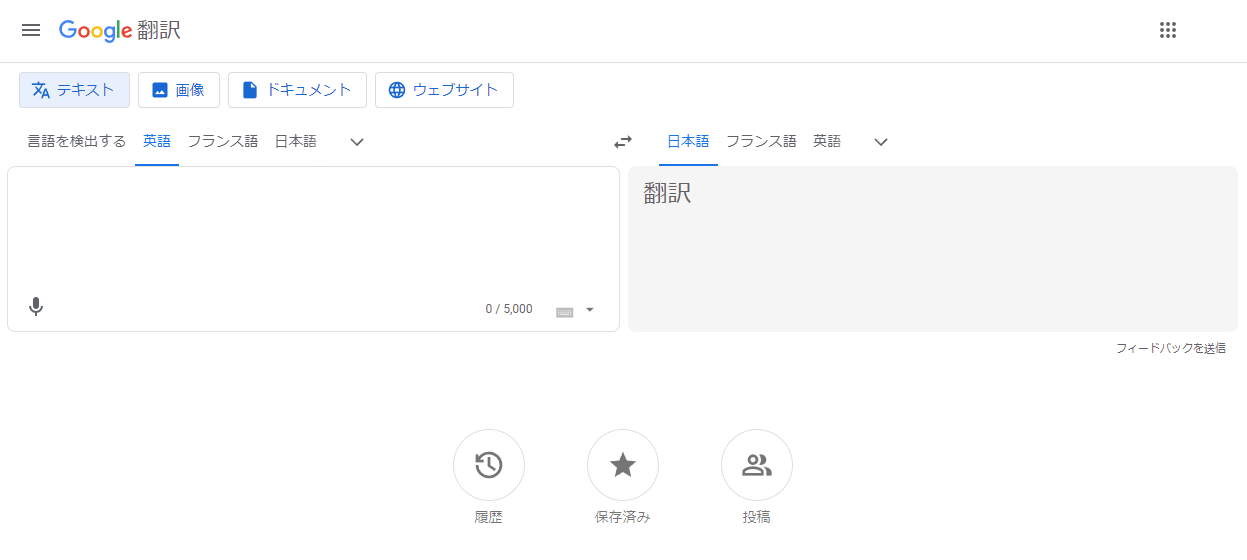
Google Translate is a widely used translation website. It supports over 100 languages and can translate text, files, text in images, and websites.
If you’re logged into your Google account, you can save translated texts to your favorites. You can also share translated texts via email or X directly from the Google Translate screen.
Google Translate is convenient because it is free and does not limit the number of translations. However, check its terms and service information for details on data handling and security. When translating standard business documents or manuals, make sure it suits your purpose.
| Number of supported languages | 132 | Security guarantee for free use | Possibility of secondary use |
| File translation | docx, pdf, pptx, xlsx | Paid plan availability | None |
| Translations per month | Unlimited | Paid plan features | – |
| Character limit per translation | Up to 5,000 characters | Account registration | Yes |
| File translation limits | – | Other features | You can translate using the camera with a smartphone app |
Bing Microsoft Translator
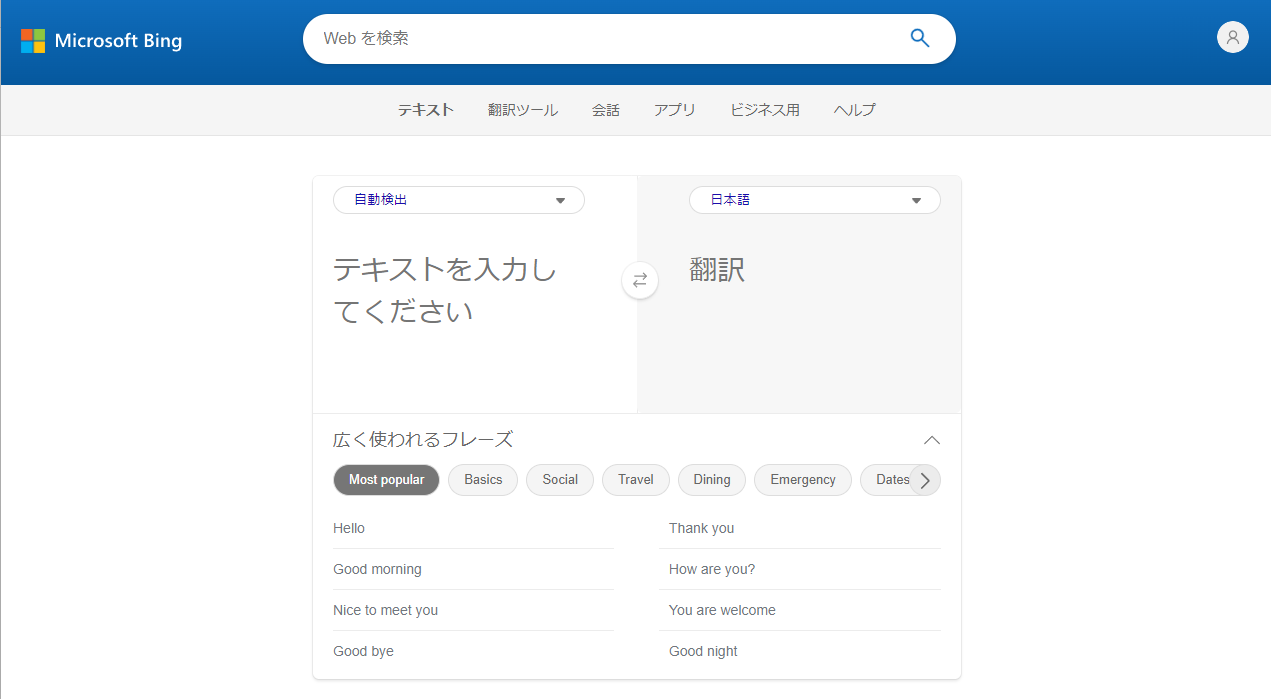
“Bing Microsoft Translator” is another translation website option. It supports 126 languages and is text-only; it does not support file translation.
It supports voice input, allowing you to translate what you say in real time. It also includes a set of pre-set phrases that can be used in various situations, such as travel, dining, and business.
This site specializes in IT-related translations, making it ideal for those who need to translate documents that use a lot of IT terminology.
| Number of supported languages | 126 | Security guarantee for free use | – |
| File translation | – | Paid plan availability | None |
| Translations per month | Unlimited | Paid plan features | – |
| Character limit per translation | Up to 1,000 characters | Account registration | Yes |
| File translation limits | – | Other features | Supports voice input |
Weblio翻訳 (Weblio Translation)
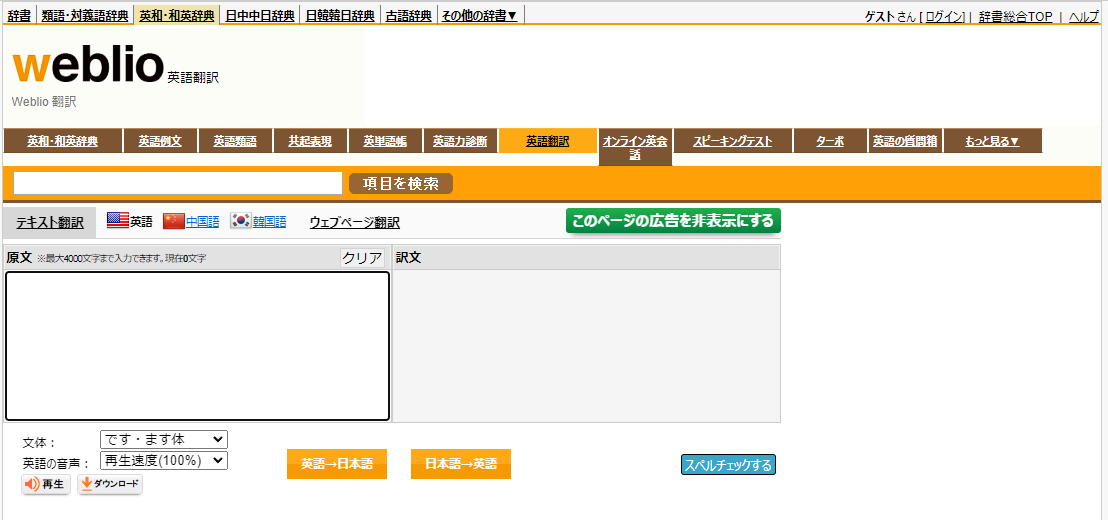
When you search for the meaning of an English word online, you’ll likely end up on the Weblio website. This is a translation service provided by Weblio. It only supports four languages: Japanese, English, Chinese, and Korean, and does not support file translation.
One of the features of Weblio Translation is that you can choose between two writing styles for the Japanese translation: the “da/dearu” style and the “desu/masu” style.
The service may display several translations that use different words or grammar. If you can assess their nuances, choose the option that best fits your intended meaning.
| Number of supported languages | 4 | Security guarantee for free use | Possibility of secondary use |
| File translation | None | Paid plan availability | Yes |
| Translations per month | – | Paid plan features | Word registration function |
| Character limit per translation | Up to 4,000 characters | Account registration | Yes |
| File translation limits | – | Other features | Dictionary customization and vocabulary assessment |
みんなの自動翻訳@TexTra® (TexTra)
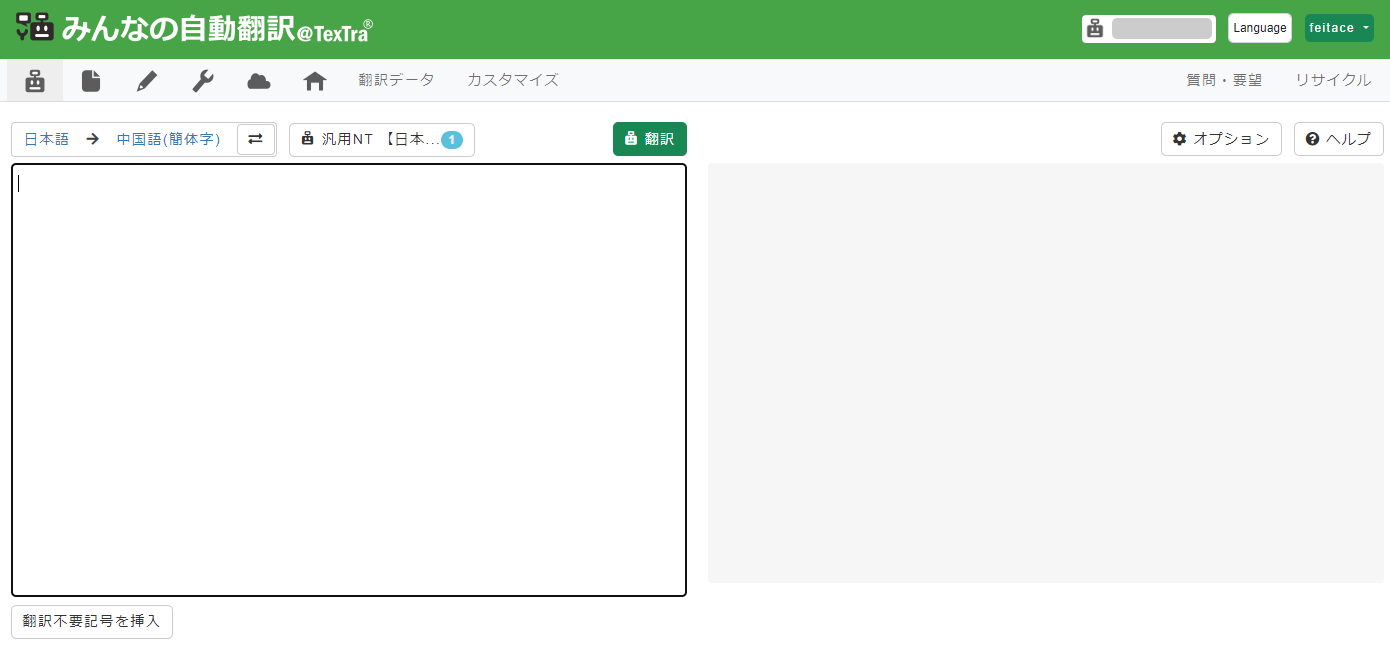
TexTra® uses a translation engine developed by the National Institute of Information and Communications Technology (NICT), supports 31 languages, and can translate 19 file types.
This translation site supports translations in nine fields, including finance, patents, and news. It can also be used for general purposes such as everyday conversations and emails. You can input up to 4,000 bytes per entry, which is equivalent to approximately 1,333 characters.
Enter the URL of the website you want to translate to download the result as an HTML file. You can select a translation domain based on the content, making it useful for specialized material.
| Number of supported languages | 31 | Security guarantee for free use | Available |
| File translation | docx, pptx, xlsx, csv, md, srt, po, pot, pdf, odt, odp, ods, rst, tex, tsv, tmx, xlf, txt, html | Paid plan availability | None |
| Translations per month | Yes | Paid plan features | – |
| Character limit per translation | Approximately 1,333 characters | Account registration | Yes |
| File translation limits | Yes | Other features | Collaborative translation system |
Yandex Translate
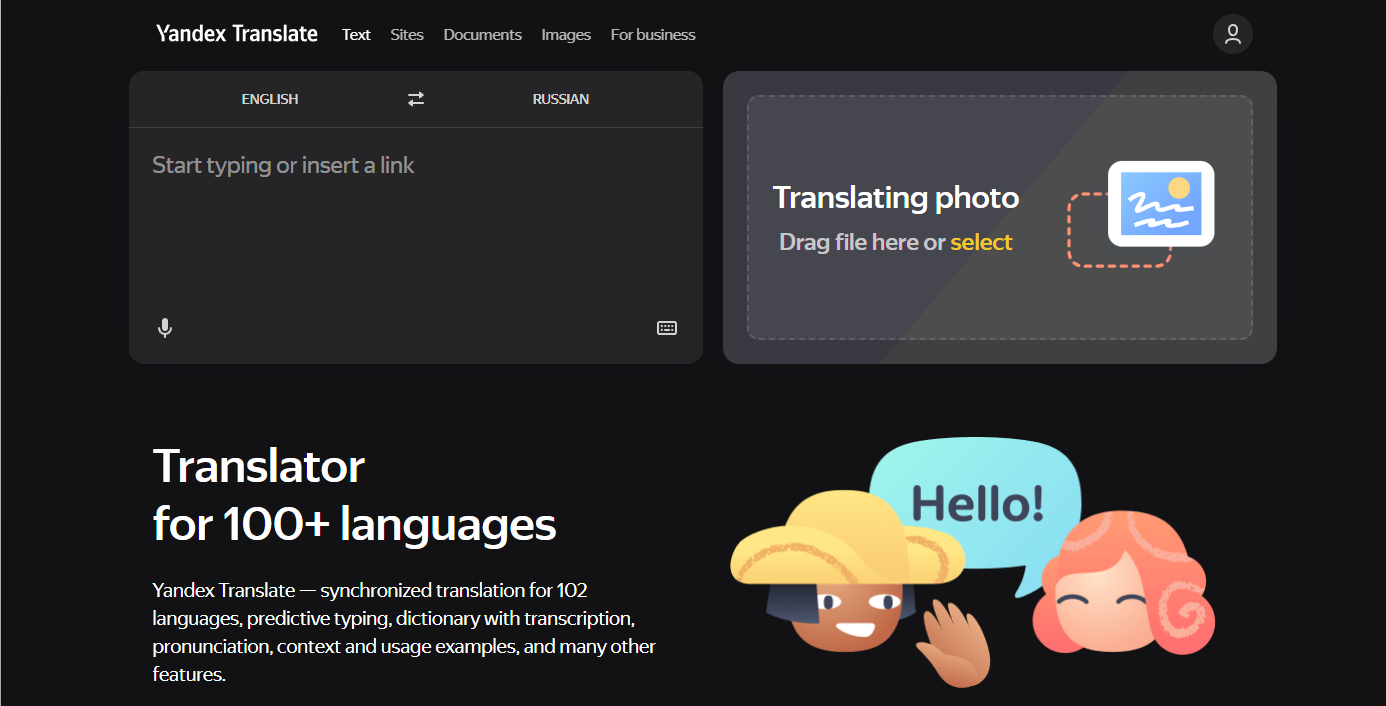
Yandex Translate is a translation website provided by Yandex, the company that operates the Russian search engine. It supports 102 languages and can translate more than 7 file formats.
It also supports website and image translation.
| Number of supported languages | 102 | Security guarantee for free use | Possibility of secondary use |
| File translation | docx, pptx, xlsx, pdf | Paid plan availability | Yes |
| Translations per month | Up to 1 billion characters | Paid plan features | Over 1 billion characters can be translated |
| Character limit per translation | Up to 10,000 characters | Account registration | Yes |
| File translation limits | – | Other features | Optical Character Recognition (OCR) |
LINE’s translation and interpretation function

While it’s not a website, you could also use LINE’s translation function. Anyone with the LINE app installed on their smartphone can use it for free. It supports four languages: English, Japanese, Chinese, and Korean.
Only text can be translated. Also, please check the terms of service before use, as they state that the input content may be reused.
This is recommended for those who have opportunities to communicate with people overseas via LINE and want to easily complete translations within LINE.
| Number of supported languages | 4 | Security guarantee for free use | Possibility of secondary use |
| File translation | None | Paid plan availability | Yes |
| Translations per month | None | Paid plan features | None |
| Character limit per translation | Up to 10,000 characters | Account registration | Yes |
| File translation limits | – | Other features | Optical Character Recognition (OCR) |
LINE translation feature (in Japanese)
Free Translation Online
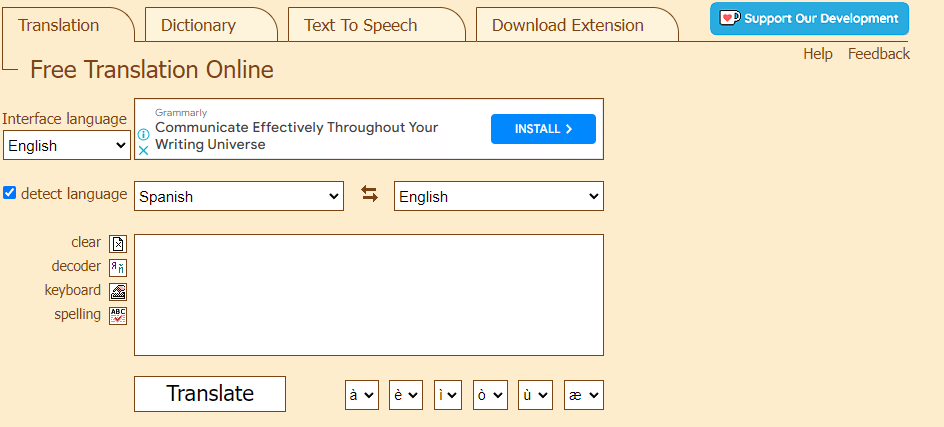
This site allows you to use multiple translation engines, including Google Translate and Microsoft Translator. You can compare the translation results of the same sentence and see the differences between each engine.
It supports 105 languages, but it cannot translate files or websites.
Regarding security, the terms of service include a disclaimer, so be sure to check the terms before using it for business purposes. This service is suitable for those who want to compare results from multiple translation engines.
| Number of supported languages | 105 | Security guarantee for free use | Possibility of secondary use |
| File translation | None | Paid plan availability | None |
| Translations per month | None | Paid plan features | – |
| Character limit per translation | Up to 1,000 characters | Account registration | – |
| File translation limits | – | Other features | Chrome extension, text-to-speech function |
SYSTRAN Translate
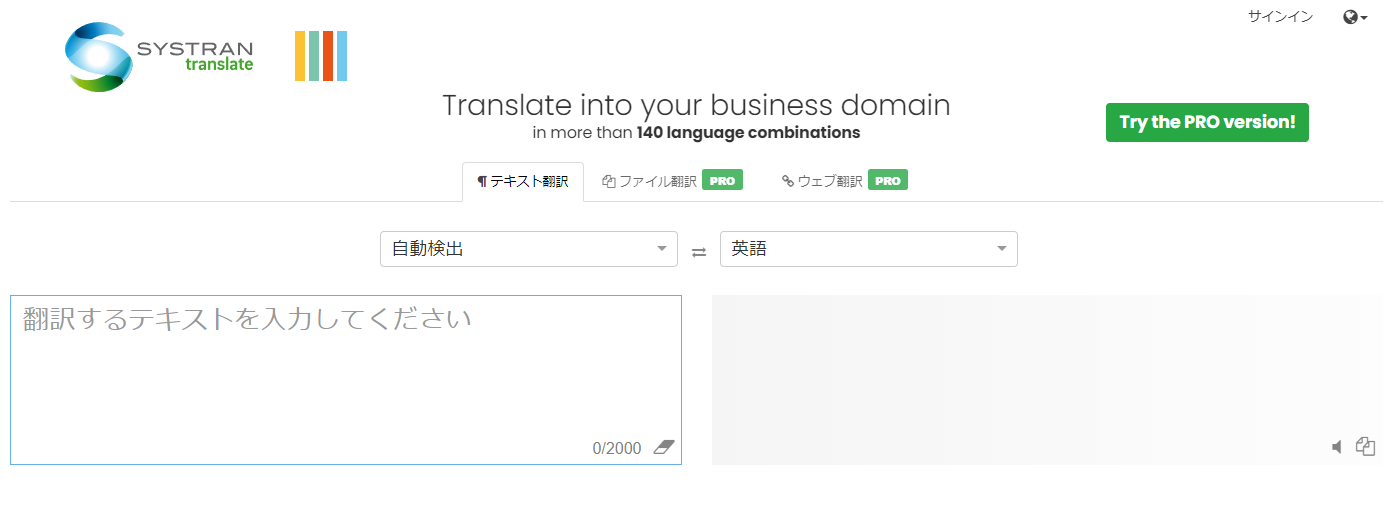
This translation service, offered by a French company, allows you to use some features for free. It supports 25 languages, but does not support file translation.
You can also use it like a dictionary by dragging a portion of the entered text to display the meaning of that word. It also suggests similar words, allowing you to translate while checking the meaning of each word.
File translation and website translation are available in the paid version.
| Number of supported languages | 25 | Security guarantee for free use | Available |
| File translation | docx, pptx, pdf | Paid plan availability | Yes |
| Translations per month | None | Paid plan features | Up to 600 pages per month can be translated |
| Character limit per translation | Up to 2,000 characters | Account registration | Yes |
| File translation limits | 3 times/month | Other features | Post-editing feature |
ChatGPT
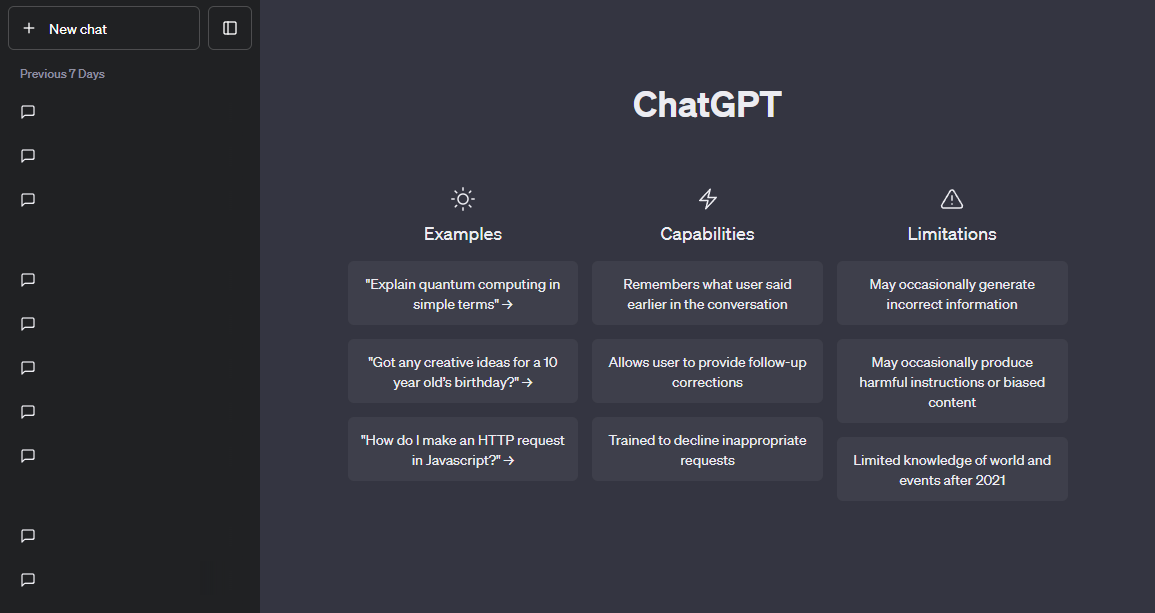
You can get a translation by telling ChatGPT, “Please translate this text into [language].” Although supported languages are not explicitly listed, you can request translations in many languages. Availability and quality vary by language, so review translations of important content carefully.
Traditional translation websites sometimes have limited options for specifying the output style. ChatGPT, however, allows you to specify your desired style and expressions, such as Kansai dialect or simple English used in everyday conversation.
Additionally, “GPT-5.6 Luna,” released in 2026, can also be used for translation.
ChatGPT allows you to specify the writing style and translation method during the translation process. Please check the terms of use for details on the scope of free use and how your input is handled. This is an option if you want to adjust the translation to suit your purpose.
Yaraku Translate includes GPT-5.6 Terra as a standard translation engine in its Company and Premium plans. Yaraku has a separate agreement with OpenAI and provides the engine under terms that prevent input documents from being reused.
| Number of supported languages | Supports multiple languages | Security guarantee for free use | Possibility of secondary use |
| File translation | – | Paid plan availability | Yes |
| Translations per month | – | Paid plan features | Access to additional tools such as advanced data analysis |
| Character limit per translation | – | Account registration | Yes |
| File translation limits | – | Other features | Unlimited messages and history |
Excite Translation ended in October 2022
Excite Translation ended its service in October 2022. The translation service is no longer available on its website.
3 recommended translation websites for Chinese
While translation websites are primarily used for English, the demand for translation into other languages has been expanding in recent years. The Chinese-speaking world is one of Asia’s largest markets, and there are opportunities to use Chinese in business and everyday communication.
In Japan, the number of people taking the HSK (Chinese Proficiency Test) is increasing. Chinese nationals are also said to be the largest group of foreign learners of Japanese. This creates many opportunities for communication between Japanese and Chinese speakers.
Some people may want to use automatic translation to overcome the language barrier between Japanese and Chinese. This section introduces websites that can be used for Chinese translation. While there are various services such as Google Translate, this chapter will focus primarily on sites provided by Chinese companies.
Baidu Translate
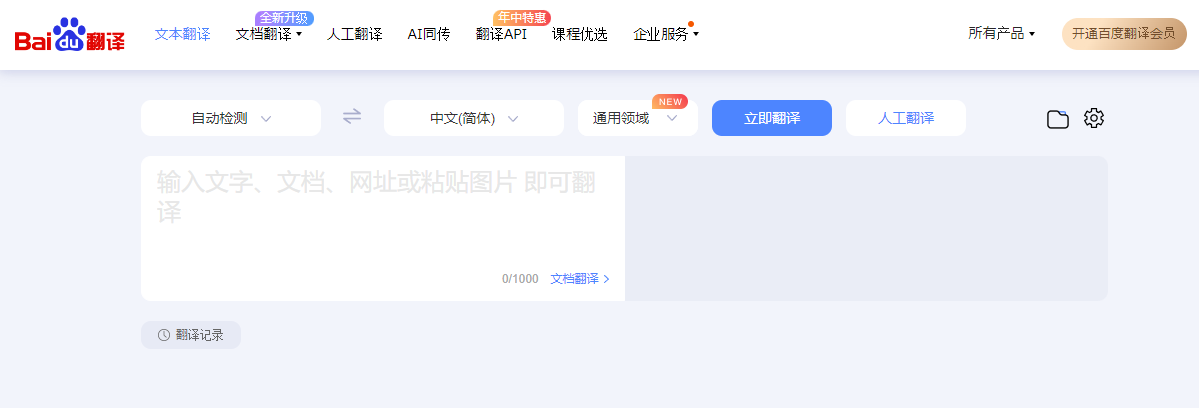
This is a translation website provided by Baidu, the operator of China’s largest search engine. It supports over 200 languages and can translate 9 different file formats. The maximum number of characters you can input at one time is 1,000; longer texts must be entered in separate entries.
When translated into Chinese, all the pinyin is displayed, and audio playback is available, allowing you to learn Chinese pronunciation from the translated text. Furthermore, if you log in, you can register any words that appear in the translated text.
This service is a good option if you prefer to use a translation website from China for Chinese translation.
| Number of supported languages | 200 or more | Security guarantee for free use | Possibility of secondary use |
| File translation | doc/docx/pdf/xls/xlsx/ppt/pptx/wps | Paid plan availability | Yes |
| Translations per month | None | Paid plan features | Offline translation is available |
| Character limit per translation | 1,000 characters | Account registration | Yes |
| File translation limits | – | Other features | Word registration function, audio playback |
Youdao Translate
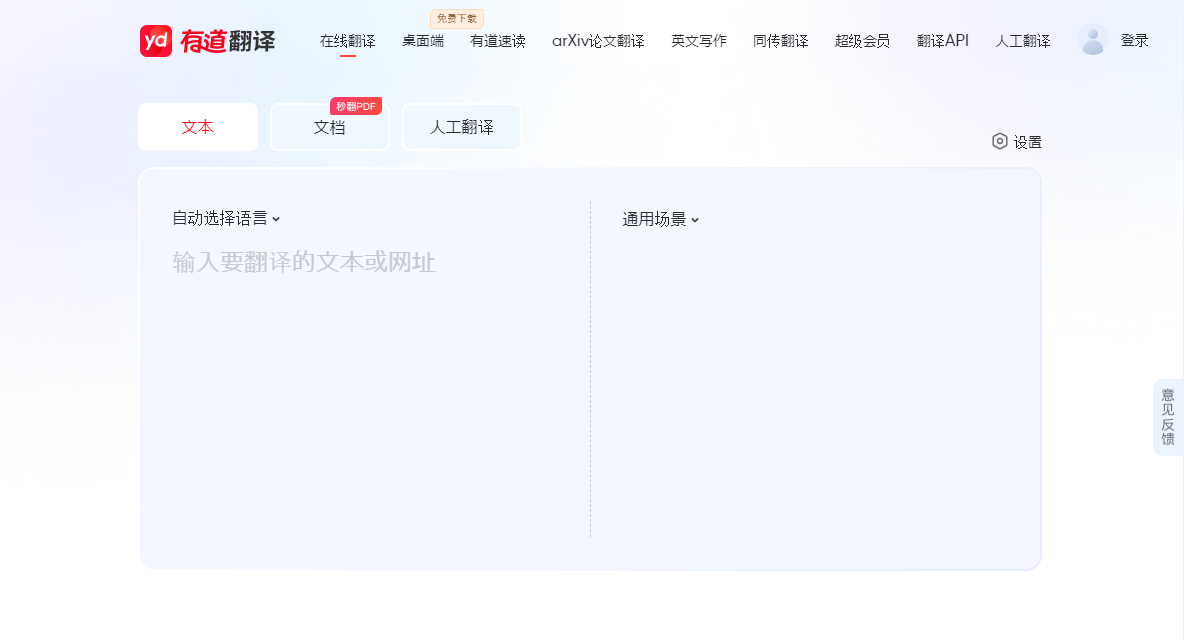
This is another translation website operated by a Chinese company. It supports 15 languages and 5 different file formats. The maximum number of characters you can input at one time is 5,000.
When translating into Chinese, a feature shows which translation corresponds to each word in the source text.
| Number of supported languages | 15 | Security guarantee for free use | Possibility of secondary use |
| File translation | Yes | Paid plan availability | Yes |
| Translations per month | Documents can be submitted up to 20 times per month (for free members) | Paid plan features | Unlimited document translation, word registration, etc |
| Character limit per translation | Up to 5,000 characters | Account registration | Yes |
| File translation limits | Yes | Other features | Image translation function using the camera |
Weblio Chinese Translation
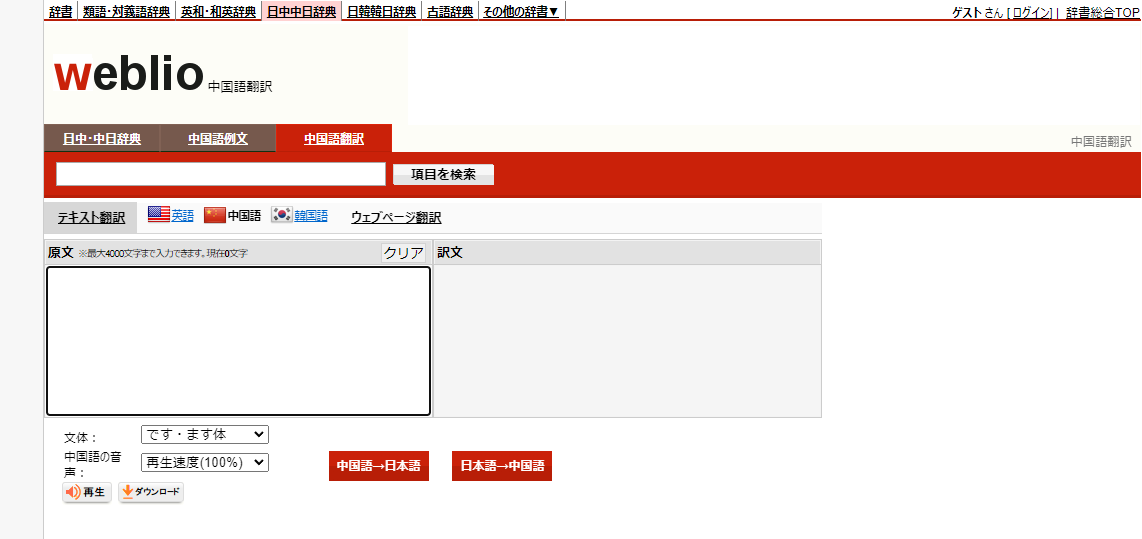
This is Weblio’s website for Chinese translation. It only supports text translation, and the translated text will also display pinyin. It also has a text-to-speech function, and the reading speed can be adjusted.
It has a reverse translation function that translates the output Chinese back into Japanese, allowing you to check the meaning of the translated Chinese text. It can also be used for language learning.
| Number of supported languages | 4 | Security guarantee for free use | Possibility of secondary use |
| File translation | – | Paid plan availability | Yes |
| Translations per month | – | Paid plan features | Word registration function |
| Character limit per translation | Up to 4,000 characters | Account registration | Yes |
| File translation limits | – | Other features | Text-to-speech function |
Useful translation websites for Korean
In recent years, opportunities to experience Korean culture have increased, including Korean dramas, games, beauty products, and music. Korea is also easily accessible from Japan for travel.
If you’re not familiar with Hangul, you might have trouble reading and writing Korean. Using translation websites can be helpful for communication between Korean and Japanese.
This section introduces Papago, provided by the South Korean company NAVER.
Papago
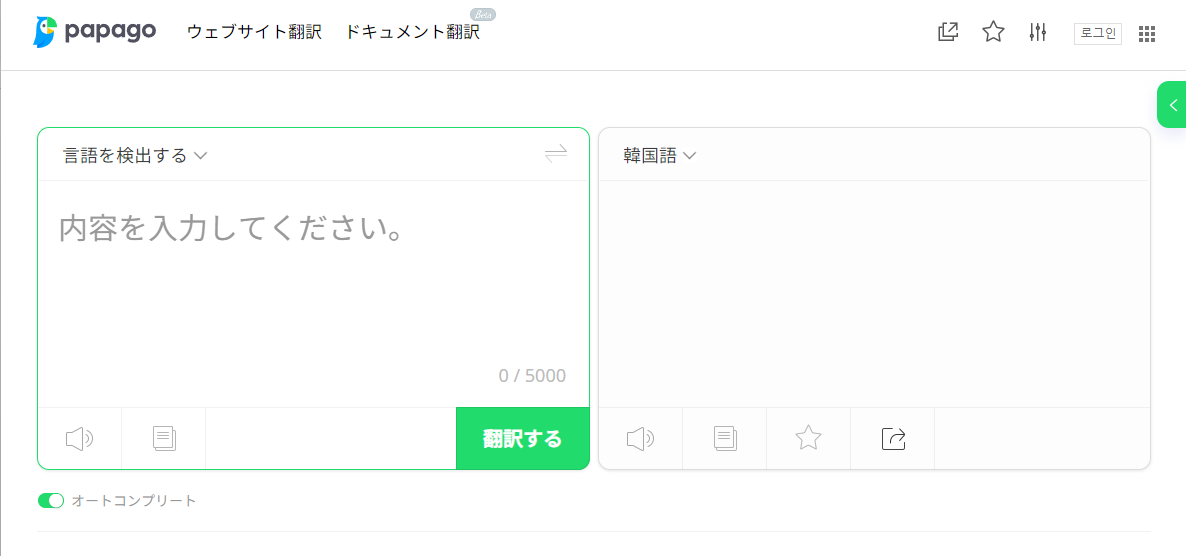
Papago is a translation website provided by the South Korean company NAVER. It supports 19 languages, including Korean, and can translate four file types. You can also translate websites by entering a URL and save translation results to your favorites.
The terms of service state that the information you enter during translation may be used to improve the service or within NAVER’s services. Please check the terms of service before using the service.
You can finely adjust the settings for reading the translated text aloud, choosing the voice type, speed, and whether or not to repeat. This is ideal for those who want to check the audio in addition to the Korean translation.
| Number of supported languages | 19 | Security guarantee for free use | Possibility of secondary use |
| File translation | docx, xlsx, pptx, hwp | Paid plan availability | None |
| Translations per month | Documents can be submitted up to 10 times per month (for free members) | Paid plan features | – |
| Character limit per translation | Up to 3,000 characters | Account registration | Yes |
| File translation limits | Yes | Other features | Text-to-speech settings |
Kakao i Translate’s web version was discontinued in November 2024
The web version of Kakao i Translate was discontinued in November 2024.
The translation service is no longer available on the former website [translate.kakao.com] (Reference).
Points to note when using free translation websites
Many people looking for translation websites prefer free services. Currently, there are services available that allow you to easily translate many languages, including English.
Free services come with trade-offs. Using them without understanding those trade-offs may lead to problems.
Understand why these services are free, and then choose the service that best suits your needs.
Input from free versions may be reused
Some free translation websites reuse submitted text for purposes such as improving translation quality. For example, Google’s terms of service state:
Google is licensed to use your content to provide and improve its services, to the extent specified in the terms. Please refer to the terms of service to see how your input will be handled.
When you upload, provide, store, transmit, or receive content, you grant Google (and third parties working with Google) a worldwide license to use, host, store, copy, modify, create derivative works of (for example, derivative works resulting from Google’s translation, transformation, or other changes that make your content work better on the Services), transmit (to the public), publish, perform, screen, display (publicly), and distribute that content.
→ User content within this service | Google Terms of Service
If you might be entering personal information or confidential company information, be sure to check the data handling policy and terms of use before using the service.
Special care is required when handling confidential information
Free translation tools are convenient, but how they handle input data varies from service to service. When translating documents such as internal presentations or overseas business negotiation materials, be sure to check the data protection and security measures before choosing a service.
Customization is not possible
Some free translation websites do not allow users to customize the translation to their preferences. The available settings and features vary depending on the service.
For example, you might want to translate “figure” as “person” in an English news article, but as “diagram” in a company presentation. As you use translation websites more often, you might start to notice subtle differences in terminology.
Some translation websites allow you to customize terminology and writing style, but the available features and scope vary depending on the service.
Mistranslations, omissions, and unnatural sentences
No translation site can provide perfectly accurate translations. Any service may produce mistranslations or omissions. Even if grammatically correct, the expression may sound unnatural or the intended meaning may not be captured.
This isn’t just a problem with free translation websites. Paid automatic translation services can also produce mistranslations. When using translation results, be sure to check for mistranslations, omissions, or unnatural expressions.
Using mistranslated texts without checking them can lead to problems. In the past, there have been several reports of social confusion and misunderstandings caused by mistranslations from machine translation.
Free translation is convenient, but always perform at least a basic review before using the results.
The translation support tool “Yaraku Translate” comes standard with multiple translation engines. The following translation engines can be used within the Yaraku Translate app:
- ChatGPT
- Claude
- Gemini
- Google Translate
- Microsoft Translator
- Yaraku
- Papago
- Kawamura NMT (paid option)
With the Company plan for businesses, security is guaranteed, and the content you enter will not be reused for any other purpose. You can use multiple machine translation engines with confidence. Make translation simple and effortless with Yaraku Translate, which gives you unlimited use of multiple machine translation engines for a flat fee.
Before adopting the Company plan, you can try it free for 14 days. When the trial ends, you will not be automatically switched to a paid plan.
High-quality translation for text and files
Try the free Yaraku Translate demo with no sign-up required. Enter text or upload a file to get your translation. Give it a try.
A practical approach: Free tools may be enough
For individual users who don’t translate frequently, free tools like Google Translate may be sufficient.
Thus, in situations where translation quality does not directly impact business decisions or a company’s credibility, the ease of use and cost-effectiveness of free tools are sometimes prioritized.
So, when should you move beyond these convenient free tools and consider a solution that offers security, quality, and customization?
For example, when dealing with contracts or manuals where translation errors could lead to significant losses, or when you need to efficiently translate highly confidential documents within your organization, be sure to choose a service after checking its security and quality.
You can switch translation engines for each document and compare the results. The Company plan is provided under terms that prevent input content from being reused. Consider Yaraku Translate, which gives you access to multiple translation engines for a fixed fee.
How do I choose a translation website?
The right translation website depends on whether you need text or file translation, your target language, and whether you are using it for personal or business purposes. Compare supported languages and features based on your needs.
What are some things to keep in mind when using free translation websites?
Free translation websites may reuse your input to improve quality. Some services may not let you specify terminology or writing style, and translations may contain errors, omissions, or unnatural wording. Have translations of important documents reviewed before use.
Are there any translation websites that support Chinese or Korean?
Yes. Baidu Translate, Youdao Translate, and Weblio Chinese Translation are options for Chinese, while Papago is an option for Korean. Compare each service’s supported languages and features before choosing.
Are there cases where free tools are sufficient?
Yes, the convenience of free tools can be useful in situations where translation quality doesn’t directly impact business decisions or a company’s credibility. On the other hand, when dealing with contracts or confidential documents, you should choose a service after checking its security and translation quality.